GK 999
0
Shipping is calculated at checkout
Description
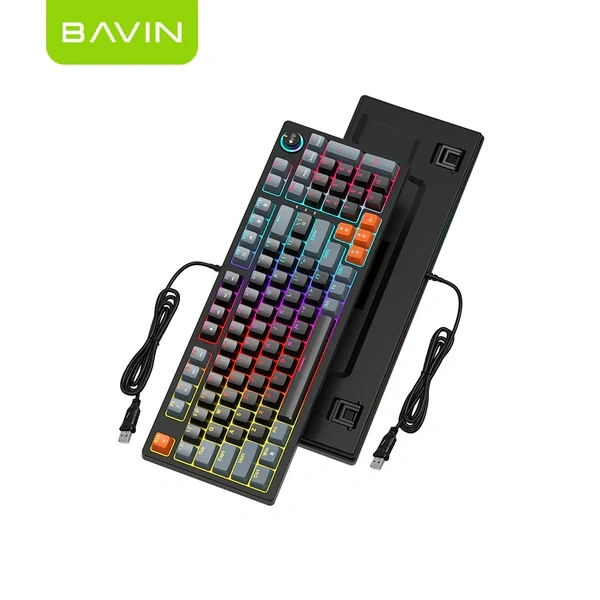
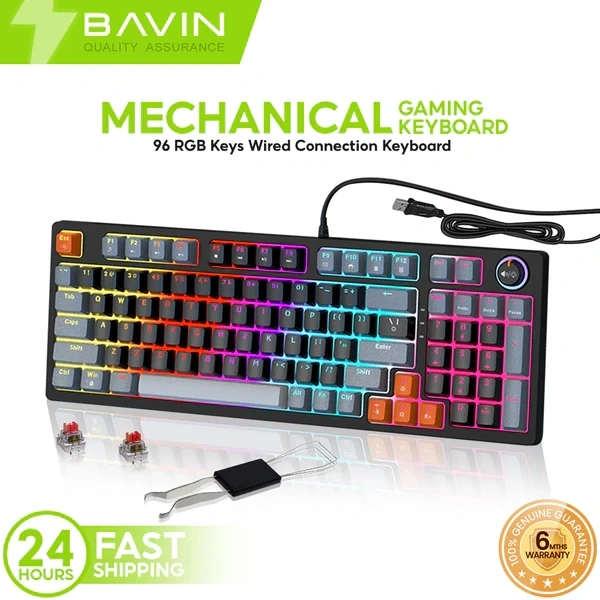
BAVIN G-K-999 96-Key Multimedia Gaming Keyboard Master your workflow and your gameplay with the G-K-999. Featuring a unique 96-key layout that includes a full number pad in a space-saving frame, this keyboard is equipped with dedicated FN-multimedia shortcuts and vibrant RGB backlighting. It’s the ultimate plug-and-play tool for those who need full functionality without the bulk of a standard keyboard.
Categories: Keyboard and mouse
SKU: N/A
Full Power, Better Layout: The BAVIN G-K-999 Multimedia RGB Keyboard
The BAVIN G-K-999 is engineered for the power user who refuses to compromise. By utilizing a "96-key" design, it keeps the essential numeric keypad while shaving off the excess width of a traditional full-sized board, giving you more room for your mouse while keeping your data-entry speed high.
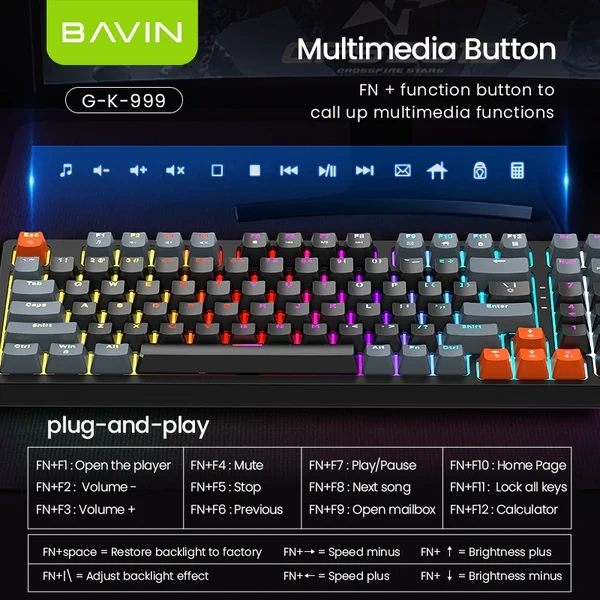
Dedicated Multimedia Control: Never alt-tab again. With integrated FN-layer commands, you can control your music player, adjust volume, open your mailbox, or pull up your calculator with a single tap.
Optimized 96-Key Layout: Enjoy the efficiency of a full-size keyboard (including the Numpad) in a much more compact, ergonomic footprint.
Immersive RGB Lighting: Features high-intensity rainbow backlighting with multiple effects. Customize your "battle station" with adjustable brightness and cycle speeds directly from the board.
Pro-Gaming Features: Includes a "Win-Lock" function to prevent accidental game exits and a "Lock All Keys" mode (FN+F11) for quick cleaning or security.
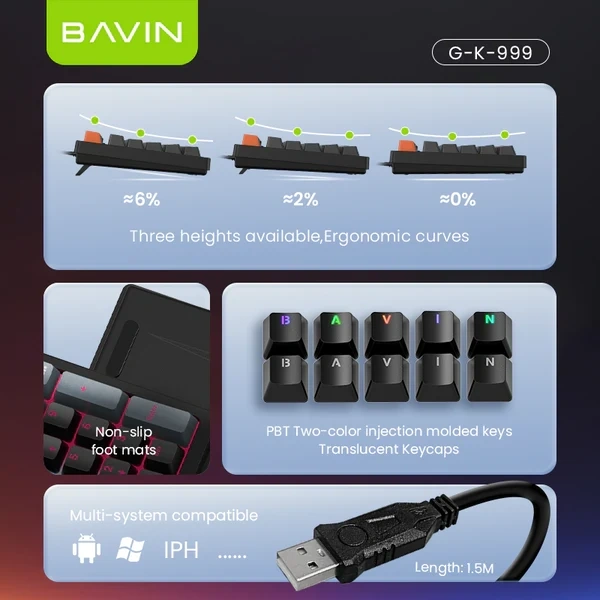
Plug & Play Durability: Designed for longevity with high-quality ABS keycaps and a stable wired USB connection that ensures zero latency during intense gaming sessions or fast typing.
Quick Reference Commands:
Media: FN + F1–F8 (Player, Volume, Play/Pause, Track Skip)
Tools: FN + F9–F12 (Email, Home, Lock, Calculator)
Lighting: FN + | \ (Mode), FN + Arrows (Brightness/Speed), FN + Space (Factory Reset)
Full Power, Better Layout: The BAVIN G-K-999 Multimedia RGB Keyboard
The BAVIN G-K-999 is engineered for the power user who refuses to compromise. By utilizing a "96-key" design, it keeps the essential numeric keypad while shaving off the excess width of a traditional full-sized board, giving you more room for your mouse while keeping your data-entry speed high.
Dedicated Multimedia Control: Never alt-tab again. With integrated FN-layer commands, you can control your music player, adjust volume, open your mailbox, or pull up your calculator with a single tap.
Optimized 96-Key Layout: Enjoy the efficiency of a full-size keyboard (including the Numpad) in a much more compact, ergonomic footprint.
Immersive RGB Lighting: Features high-intensity rainbow backlighting with multiple effects. Customize your "battle station" with adjustable brightness and cycle speeds directly from the board.
Pro-Gaming Features: Includes a "Win-Lock" function to prevent accidental game exits and a "Lock All Keys" mode (FN+F11) for quick cleaning or security.
Plug & Play Durability: Designed for longevity with high-quality ABS keycaps and a stable wired USB connection that ensures zero latency during intense gaming sessions or fast typing.
Quick Reference Commands:
Media: FN + F1–F8 (Player, Volume, Play/Pause, Track Skip)
Tools: FN + F9–F12 (Email, Home, Lock, Calculator)
Lighting: FN + | \ (Mode), FN + Arrows (Brightness/Speed), FN + Space (Factory Reset)
Often Bought Together
-6149.webp)
-0671.webp)